How to Create Livestream Fitness Classes for Your Studio

Get the monthly playbook digest
Unsubscribe any time.
TL;DR: Livestream fitness classes help studios reach members beyond their four walls. An all-in-one platform like ABC Glofox keeps bookings, payments, and access in one place so streaming becomes simple to run.
Livestream fitness classes are booming.
In 2024, 345 million people used some kind of fitness app to access features like on-demand, scheduled, or live-streamed workouts. In fact, Mobile Exercise Apps rank #4 on the 2026 ACSM Worldwide Fitness Trends report.
Translation? It’s more important than ever to tap into this class format. Virtual sessions let gyms and studios reach members beyond their geographic location and tap into new markets.
In this article, we’ll go over how to create your own livestream classes, create a top-tier streaming experience, and promote your sessions so you stay fully booked. Let’s get into it.
The best broadcasts are the result of careful planning. Here are 6 essential things to consider when setting up your own livestream fitness class.
Determining which classes to stream should be a thoughtful process.
First, consider the classes that resonate most with your existing members. Is it high-intensity interval training (HIIT) or restorative yoga? Leverage member feedback and engagement data for insights. If your sunrise yoga class consistently has waitlists, it’s a strong candidate for streaming.
Also, survey your audience to understand their virtual fitness preferences. If your membership includes busy professionals, offering 30-minute express workouts might do the trick.
Balancing your current successes with the needs of your potential online audience is key to creating an impactful livestream schedule.
📝 Read More: Best Fitness Class Scheduling Software for Gyms & Studios in 2026
The right platform for a livestream fitness class can make or break the member experience. Consider factors such as ease of use, interactive features, cost, and integration with your existing systems.
Popular platforms like Zoom and Facebook or Instagram Live are user-friendly and easily accessible. That said, social media platforms are known for ever-changing features and fickle algorithms, which can impact how you run your streams.
For a more specialised experience, consider a platform built for fitness businesses. If you use a fitness-specific platform like ABC Glofox, your livestreams exist alongside booking, payments, and member management. Having these features in one place saves time managing separate tools.
If your audience is global, consider a platform that supports different time zones and many languages.
📝 Read More: The Ultimate Guide to Fitness Studio Management Software
A strong brand identity fosters trust and encourages sign-ups. Your livestream platform should mirror your in-person experience, extending your unique brand aesthetic to the virtual realm.
Align the look and feel with your brand colours, logo, and style. If possible, design a unique landing page with images from your classes, positive testimonials, and clear calls-to-action.
Ensure the sign-up process is simple and intuitive, with a secure payment gateway and transparent policies.
📝 Read More: The Ultimate Gym Member Engagement Guide: 10 Strategies to Boost Retention & Loyalty
View this post on Instagram
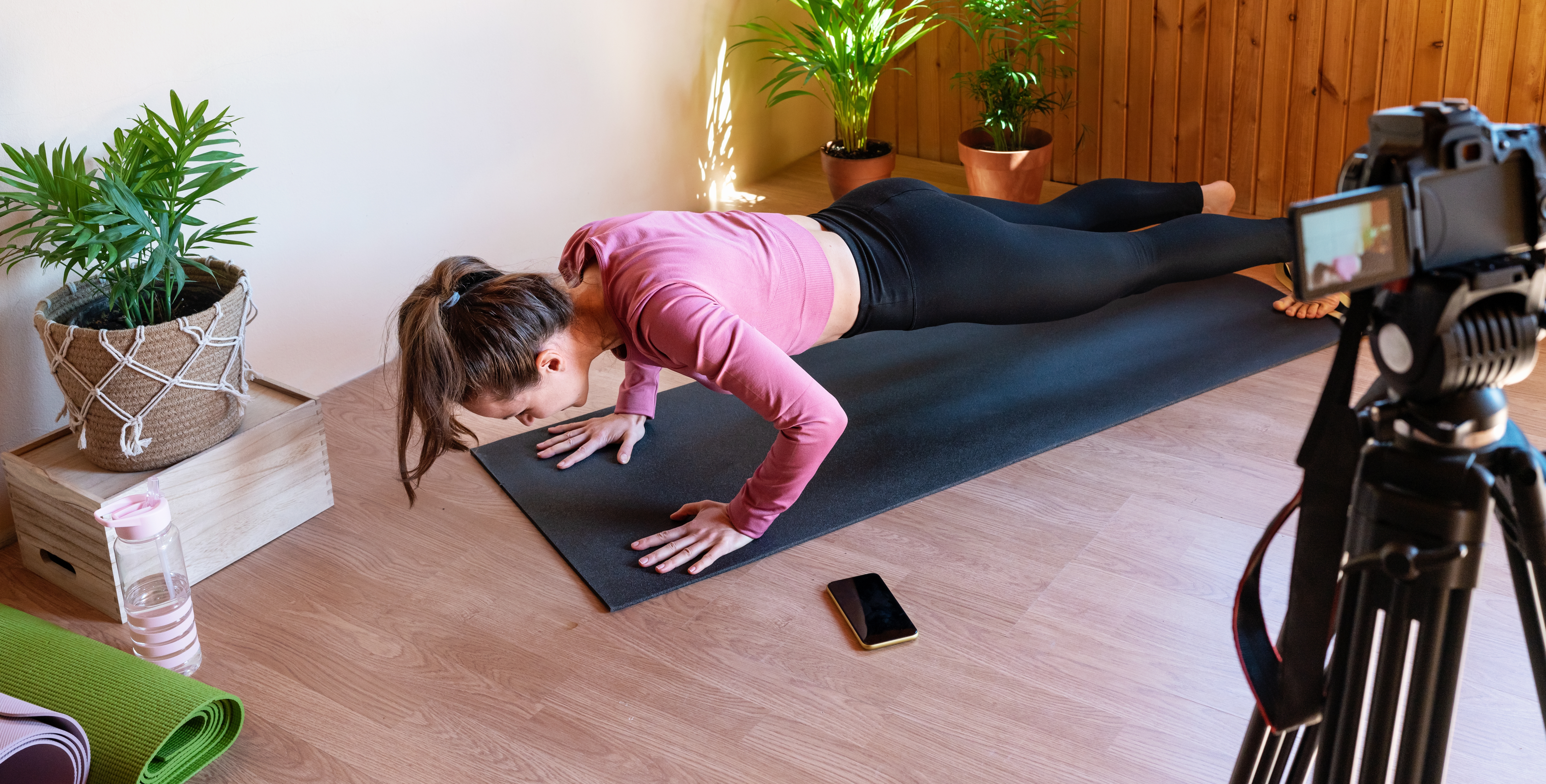
Just because you can stream a fitness class from your iPhone doesn’t necessarily mean that you should. It’s worth investing in proper equipment, especially for the lighting.
Think about how you want your members to feel when they log in: do you want them to feel like they just walked into a dingy basement, or do you want them to be greeted with a well-lit, professional setting?
Lighting sets the mood. You can make it bright for high energy workouts, or use low lighting for a calm, relaxing atmosphere. It’s up to you — just think about how you want your sessions to look and feel, so your members can enjoy the experience the way you intended.
If you’re just starting out, a basic ring light is a good option. It’s affordable, adjustable, and perfect for close-up demonstrations.
For larger spaces, consider softbox lights to evenly distribute light and prevent harsh shadows. A combination of these options can help highlight the fitness instructor and the background separately.
📝 Read More: Gym Membership Statistics You Need to Know [2026]
If you want your sessions to look professional, high quality video equipment is a must. No one likes grainy footage or shaky cameras when they’re trying to follow a workout.
Consider investing in a high-definition (HD) webcam or a smartphone with a high-quality camera. If your budget permits, DSLR or mirrorless cameras offer superior image quality.
A tripod is essential for stable footage. Plus, don’t forget a reliable high-speed internet connection to prevent annoying buffering.
Members need to hear your instruction clearly, so invest in quality audio equipment. Poor audio leads to missed prompts and distractions, which impacts the effectiveness of your workouts.
A good lavalier microphone clips to your clothing and provides clear sound while allowing free movement. For larger spaces, a wireless headset microphone may be more suitable.
For background music, consider a sound mixing board to balance the volume levels between your voice and the music. Test your setup beforehand to ensure clean, crisp audio.
When evaluating what software is best to livestream fitness classes, look for a platform that brings scheduling, payments, and member access together in one place.
Standalone video tools like Zoom can host the stream, but they don’t know who has paid, who has booked, or who is on your active membership list. Your system should connect the dots between the class on the schedule, the member who booked it, and the link they need to join.
ABC Glofox has livestream functionality built directly into the platform, so your members can easily book a virtual class, pay through the app, and join the session without leaving your branded experience. You could also take advantage of our integration with ABC Trainerize to expand your programming into on-demand video libraries and digital coaching.
📝 Read More: How to Make the Most of Your Fitness Class Booking App in 2026
“Glofox puts everything in one place and definitely helps generate revenue.” – Brandon Cala, Eternal Fitness
Effective promotion is key to driving attendance for your livestream fitness class.
First, leverage your social media platforms to share class teasers, member testimonials, and behind-the-scenes content. Email marketing is another powerful tool, offering detailed class descriptions and direct sign-up links to the next session.
Consider partnerships with local businesses or influencers to cross-promote your sessions and reach a wider audience.
To entice first-time participants, offer a free introductory class or discounts for multiple bookings. Make sure to highlight how easy and convenient it is to join from home!
📝 Read More: How to Increase Gym Memberships in 2026
Virtual sessions offer several unique benefits for gyms and participants alike:
📝 Read More: Gym Member Retention Strategies to Stop New Member Drop-Off
Livestreams and pre-recorded videos each have their unique merits.
Livestreams offer communal energy and accountability akin to in-person classes, fostering a sense of community. There’s also no need for post-production, eliminating time you would’ve spent editing and uploading video content. However, they do require a stable internet connection and the presence of both fitness instructors and participants.
Pre-recorded videos, on the other hand, allow members to workout at their convenience and can be replayed, offering a permanent resource. However, they lack the immediate feedback of livestreams and require editing and uploading after the fact.
Both formats have their place. You may find that you want a mix of both: a small number of weekly livestreams alongside a growing on-demand library gives members the best of both worlds.
📝 Read More: Top 13 Fitness Business Ideas for 2026 (Profitable & Future-Proof)
The best software depends on whether you want a single platform or a stack of separate tools. Standalone video tools like Zoom handle the stream itself, however they do not manage bookings, payments, or member access. A unified platform like ABC Glofox puts all of these features in one place, so members can find, book, pay for, and join a class without switching apps.
If you’re just testing it out to see if livestream works for you, a general video tool may be enough to get started. But as soon as you start charging for classes or running them multiple times a week, a fitness-specific platform like ABC Glofox will save time and prevent friction for your members. Look for features like integrated payments, automated reminders, a branded member app, and reporting that ties virtual attendance to your overall business performance.
#1 Invest in good recording equipment – Your equipment is how you represent your brand to an online audience, so your lighting, audio, and video should be professional.
#2 Rehearse the full broadcast end-to-end – Test the booking link, payment flow, and member join experience, so you catch friction before a real class.
#3 Treat your livestream like a class in your studio – Greet members by name, acknowledge regulars, and hype up your virtual attendees in challenging moments.
Emphasize the flexibility these classes offer. Use email and SMS to remind your existing membership that a virtual option exists, and use social media to reach members who can’t physically visit your studio. Try offering a free introductory class to lower the barrier to trial, and encourage early bookers to share with friends. Referral incentives may work especially well, since members can invite friends regardless of where they live.
📝 Read More: 2026 Fitness Trends: 5 Ways to Future-Proof Your Business
If you decide livestreaming is right for your studio, ABC Glofox makes it manageable by putting booking, payments, and your branded app in one place. You focus on teaching and the software handles the rest.
Our platform also integrates with ABC Trainerize, so studios that want to expand into on-demand video or digital coaching have a clear path to do so.
Ready to see it in action? Book a free demo and see how ABC Glofox can support your virtual and in-person classes from one place.